

Guide Fortnite · PC & PerformanceSponsored
Fortnite stuttering mid-fight? Here's how to kill the frame drops
A stutter at the wrong moment loses the fight. The frustrating part: it's rarely your GPU — it's your system fighting itself. Here's what actually causes Fortnite stutter, the quick fixes that stop most of it, and the deeper system tuning that keeps frames steady when it counts.
The short version
Fortnite stutter is usually your system, not your GPU — background apps, the wrong Windows power plan, stale drivers, or thermal throttling. Update drivers, close background apps, set a high-performance power plan, and cap your FPS. For the deeper Windows and hardware defaults, Hone tunes the whole system in one pass, so frames hold when a fight spikes the load.
Stop the stutter with HoneSponsored — Elite is a Hone partner, and links on this page are affiliate links that support the org at no extra cost to you.
Why Fortnite stutters even on a good PC
The maddening thing about stutter is that it hits people with strong hardware too. That's the tell: it's rarely raw power, it's the system fighting itself. An overlay here, a launcher there, a power plan set to "balanced," a driver a few versions behind — individually small, together they leave no headroom. So the moment a fight spikes the load, the frame rate falls off a cliff.
The quick fixes that stop most stutter
Start here, in order: update your GPU drivers, close background apps and overlays, switch Windows to a high-performance power plan, turn off Game DVR / background recording, and cap your frame rate so the GPU isn't lurching between extremes. Then make sure the PC isn't thermal throttling — a hot or power-limited machine drops clocks and spikes no matter how strong it is.
When the stutter is hiding in Windows itself
Past the obvious fixes, a lot of stutter lives in defaults you'd never think to check — scheduling, memory handling, dozens of background services. Chasing those by hand is a rabbit hole. Hone does the whole pass for you: it optimizes Windows and your hardware so the system stops stealing from the game. It works at the system level — no BIOS flashing, no injecting into Fortnite — so it's the safe way to get the smoothness most players try to force with risky manual tweaks.
Clear the background
Overlays, launchers, browsers, and recording apps steal cycles mid-fight. Close them — this alone resolves a lot of stutter on otherwise-capable PCs.
Fix the Windows defaults
High-performance power plan, Game DVR off, GPU scheduling and driver settings dialed in. The defaults were never tuned for competitive Fortnite.
Stop the throttling
If the PC runs hot or power-limited, it quietly drops clocks and you get spikes. Headroom and clean thermals keep frames flat.
Let Hone do the pass
All of the above in one go, system-level and reversible — no BIOS flashing, no game injection. The setup Elite's pros trust before a match.
Why frame stability is what wins endgames
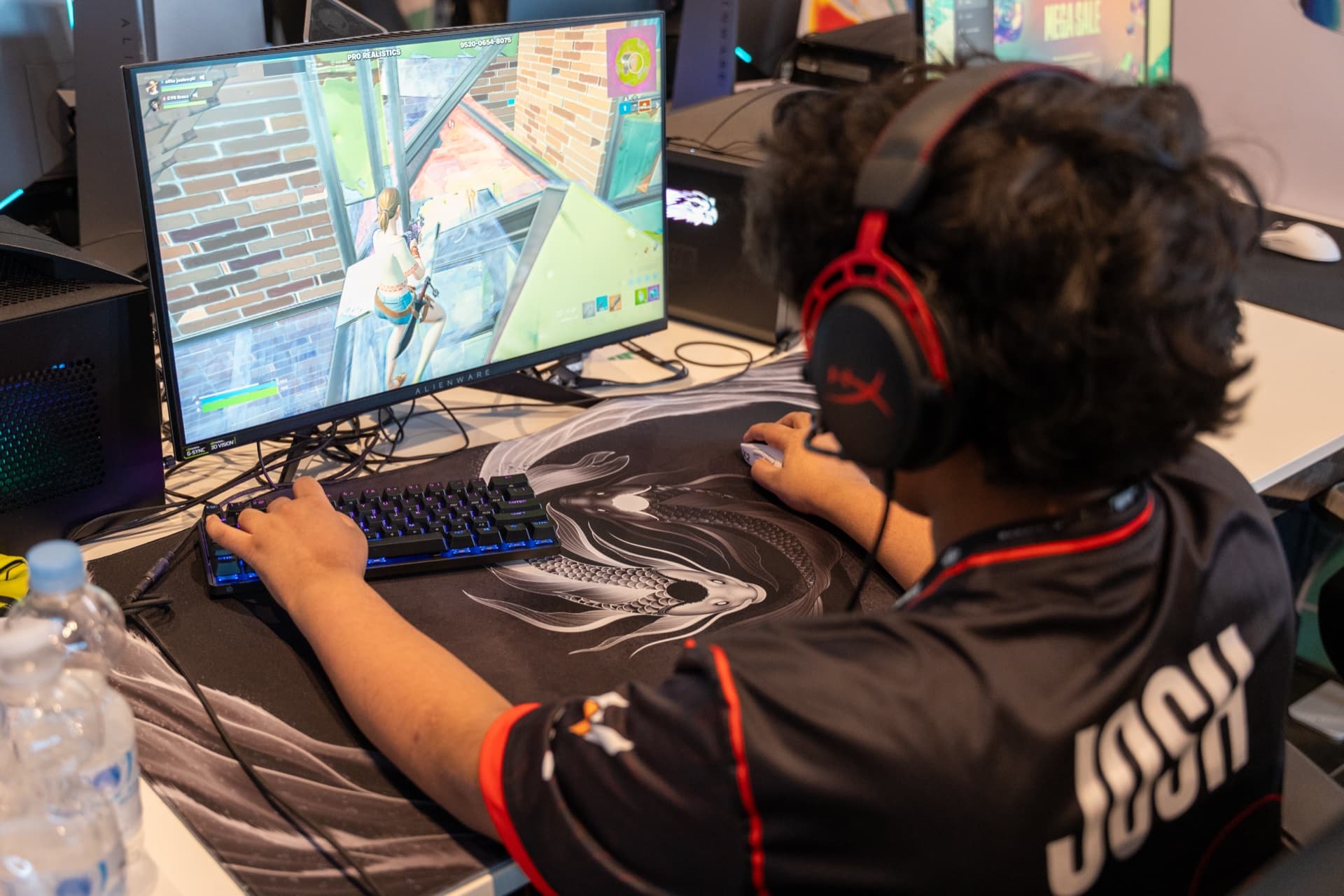
Ask any competitive player and they'll tell you the same thing: a smooth 1% low beats a flashy peak. The Elite duo, Eomzo and Josh, tune their rigs so the frame rate holds in a full endgame, because that's exactly where a stutter costs you the match. Kill the spikes and your edits and resets land when you ask for them — not a frame late.
Smooth frames when the fight gets loud.
One system-level pass — the safe way Elite's pros keep FPS steady.
FAQ
Why does Fortnite keep stuttering?
Stutter is almost always the system, not raw power: background apps and overlays stealing cycles, the wrong Windows power plan, outdated GPU drivers, shader compilation, or thermal and power throttling. Fix those and the stutter usually goes with them.
How do I fix frame drops in Fortnite?
Update your GPU drivers, close background apps and overlays, set Windows to a high-performance power plan, turn off Game DVR/background recording, cap your FPS, and make sure the PC isn't thermal throttling. For the deeper Windows and hardware defaults, Hone automates the whole pass.
Does Hone fix stuttering?
Hone targets the most common stutter causes — background processes, power and scheduling defaults, and system clutter — by optimizing Windows and your hardware in one pass. It works at the system level, not inside the game, so it isn't a cheat and doesn't touch your BIOS.
Why does Fortnite stutter in fights but run fine otherwise?
Fights spike the load — more players, builds, and effects on screen at once. If your system has no headroom because background tasks are eating it, that spike is where frames collapse. Freeing system resources is what keeps the frame rate steady when it matters most.
Is Fortnite stuttering a GPU or CPU problem?
Often neither on its own — it's usually the system around them: drivers, power settings, background load, and memory. That's why people with strong PCs still stutter, and why system-level optimization fixes more stutter than a hardware upgrade.